

Windows Command Line Insights from the teams behind Windows Terminal, PowerToys, WinGet, and WSL
- WSLC Architecture deep dive
 by Pierre Boulay on September 29, 2026 at 5:00 pm
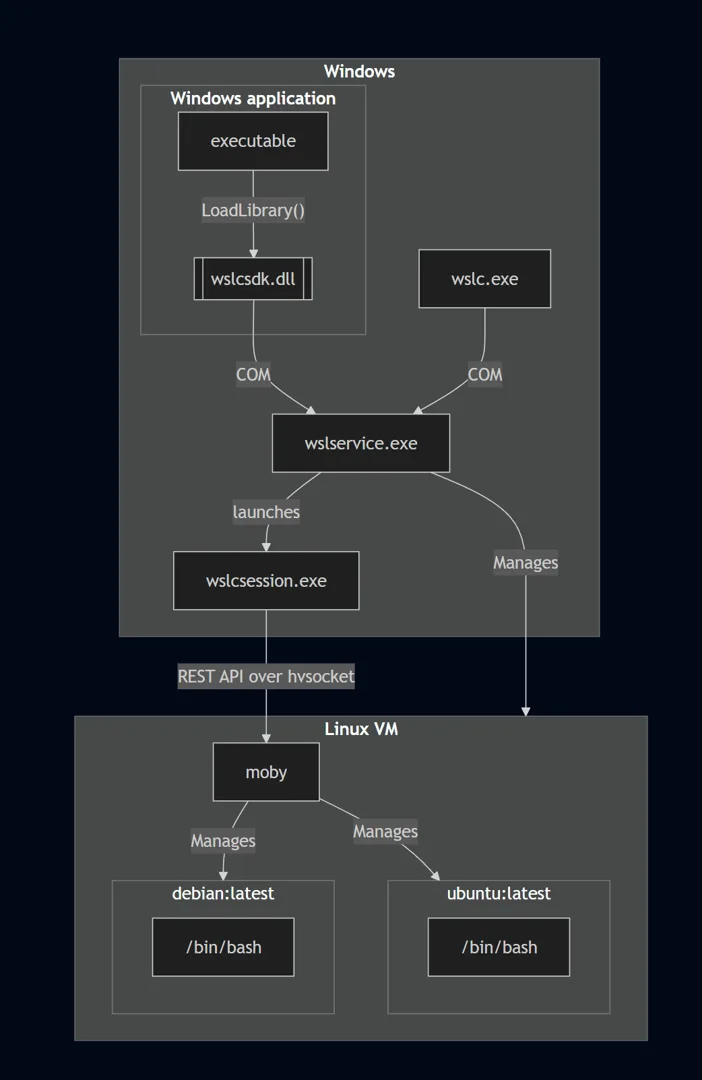
WSL containers is now generally available! Check out this blog post to learn more about this overall feature enabling seamless access to Linux containers on Windows via the new “wslc.exe” command. This new Linux container platform comes with multiple architectures changes compared to WSL, which we’ll detail in this post. Session model Similarly to WSL, The post WSLC Architecture deep dive appeared first on Windows Command Line.
- Intelligent Terminal 0.2.2572: Faster, Smoother, and More Reliable
 by Hamza Usmani on September 14, 2026 at 7:00 pm
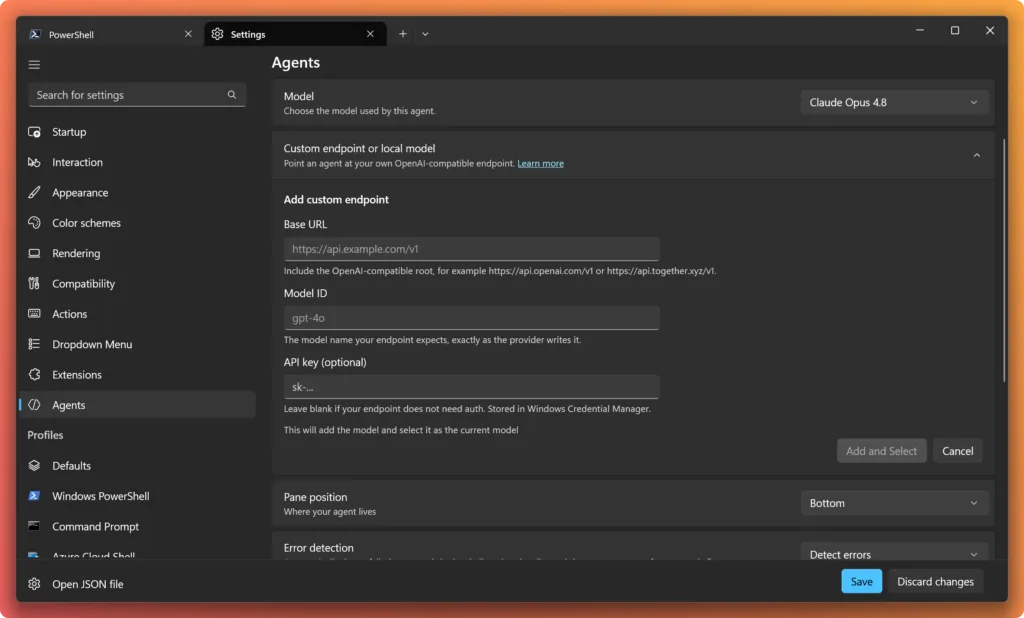
We’re back with Intelligent Terminal v0.2.2572, and this one is all about making things faster, easier to use, more reliable, and more polished. This release lands over 60 fixes and improvements as well as API key support for local models, automatic approval for supported agents, and native slash commands your agent brings with it. You The post Intelligent Terminal 0.2.2572: Faster, Smoother, and More Reliable appeared first on Windows Command Line.
- PowerToys 0.101 is here: Window Hopper, Insider updates, and Command Palette compact mode
 by Niels Laute on August 25, 2026 at 1:24 pm
We’re back with a fresh PowerToys release! PowerToys 0.101 introduces Window Hopper for quickly moving between windows from the same app, a redesigned update experience with Stable and Insider channels, and compact mode for Command Palette. This release also continues our WinUI 3 modernization, brings on-device Phi Silica transformations to Advanced Paste, and adds a The post PowerToys 0.101 is here: Window Hopper, Insider updates, and Command Palette compact mode appeared first on Windows Command Line.
- Intelligent Terminal 0.2 is here with local model support
 by Hamza Usmani on August 10, 2026 at 7:00 pm
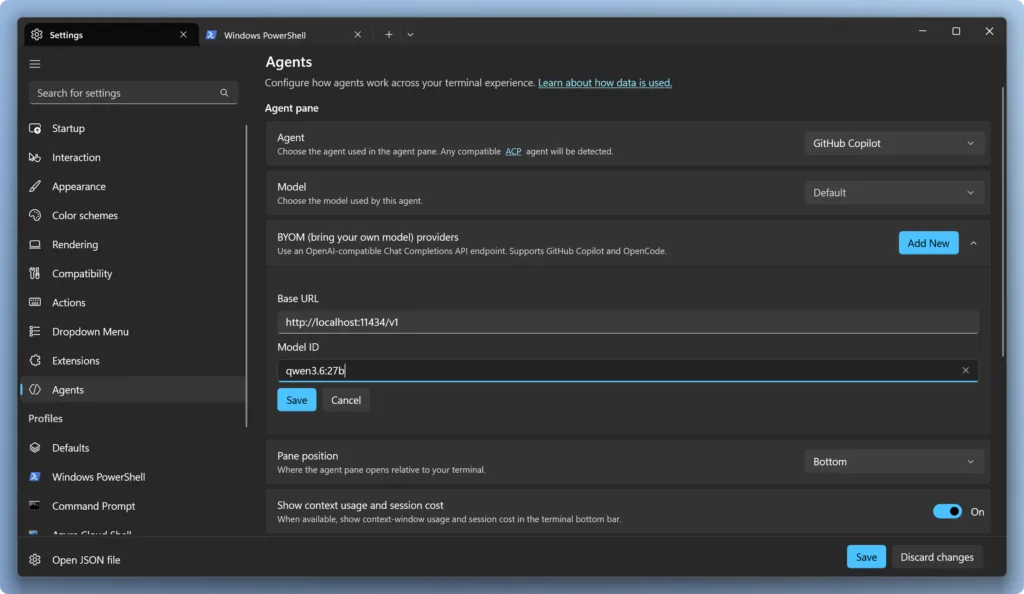
We’re back, and this is our first minor version bump: 0.1 to 0.2! It’s our biggest release yet. This update adds support for local models, lets you run a different agent in each tab with /agent, brings OpenCode into the built-in agent lineup, runs your agent inside WSL where your work actually lives, and makes The post Intelligent Terminal 0.2 is here with local model support appeared first on Windows Command Line.
- WSL container is now available for public preview
 by Craig Loewen on June 29, 2026 at 3:29 pm
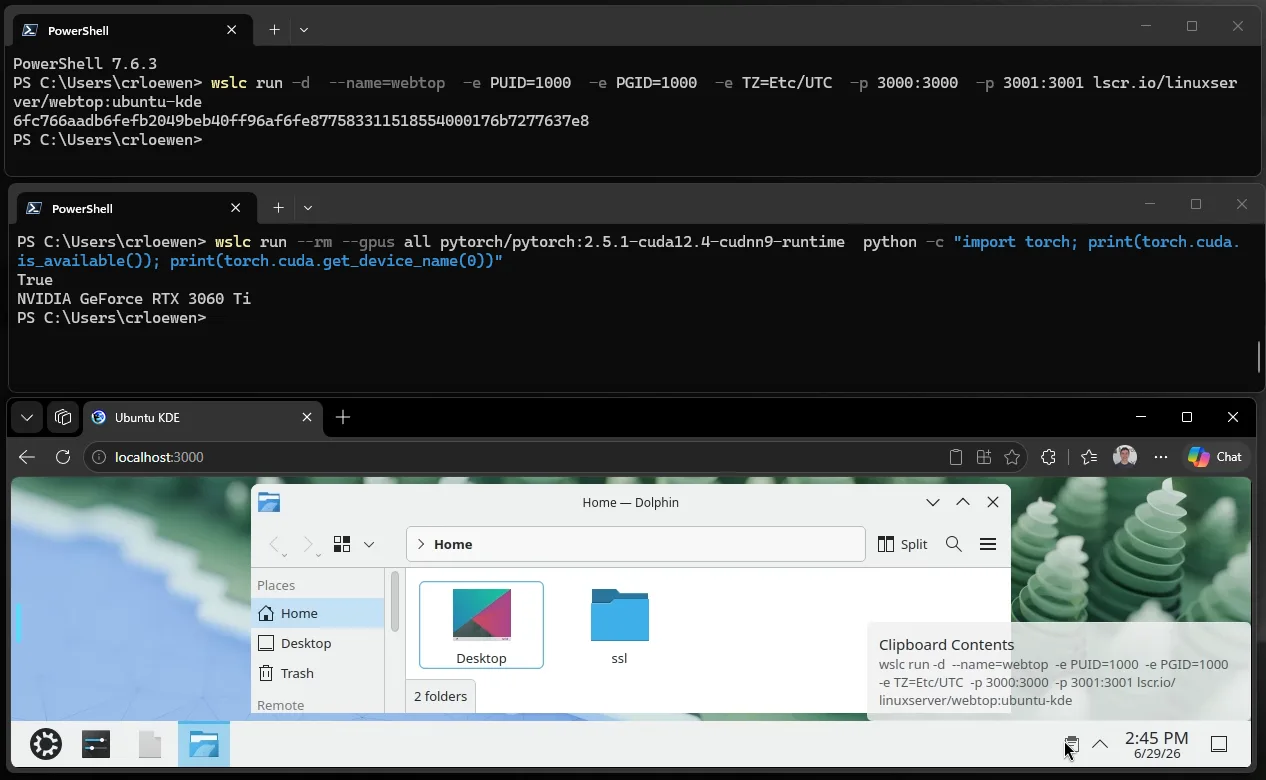
At Microsoft Build 2026, we introduced WSL containers, bringing Linux container development directly into Windows through the Windows Subsystem for Linux (WSL). Containers have become a foundational part of modern development – from cloud-native applications and AI workloads to testing and deployment pipelines and WSL containers simplify this experience by providing a built-in, enterprise-ready way The post WSL container is now available for public preview appeared first on Windows Command Line.
- Intelligent Terminal 0.1.1 is here: bash support, new slash commands, and more customization
 by Hamza Usmani on June 17, 2026 at 10:31 pm
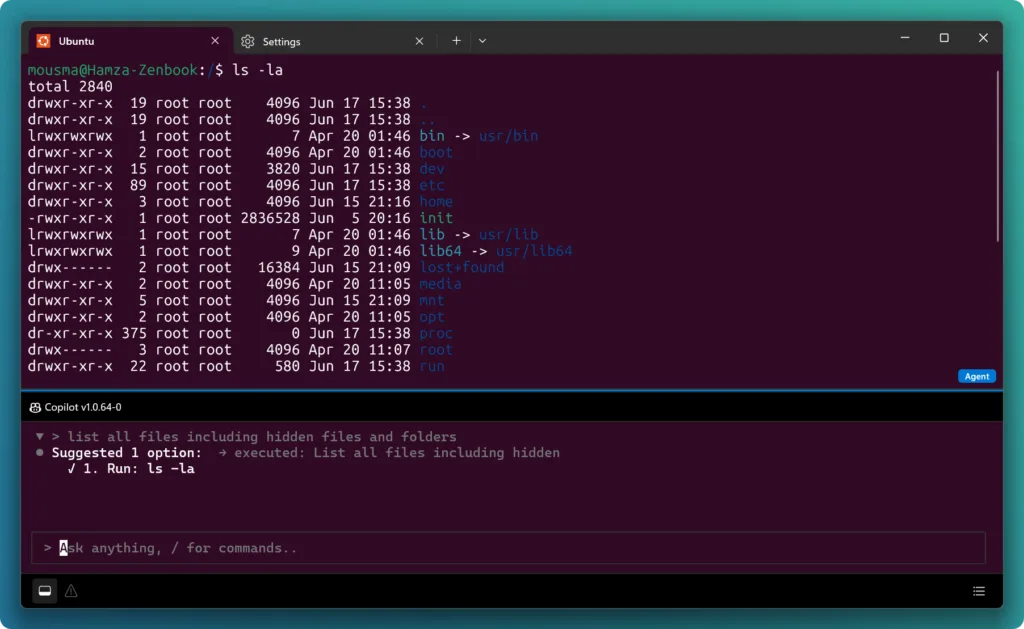
We’re back with the first servicing release of Intelligent Terminal! This update brings auto error detection to Bash and WSL, a new /fix command for on-demand help, an on-the-fly /model picker, a customizable agent pane, and Windows 10 support, along with a round of bug fixes and reliability improvements. You can grab the update from The post Intelligent Terminal 0.1.1 is here: bash support, new slash commands, and more customization appeared first on Windows Command Line.
- PowerToys 0.100 is here: new Shortcut Guide, Command Palette improvements and much more!
 by Niels Laute on June 10, 2026 at 6:26 am
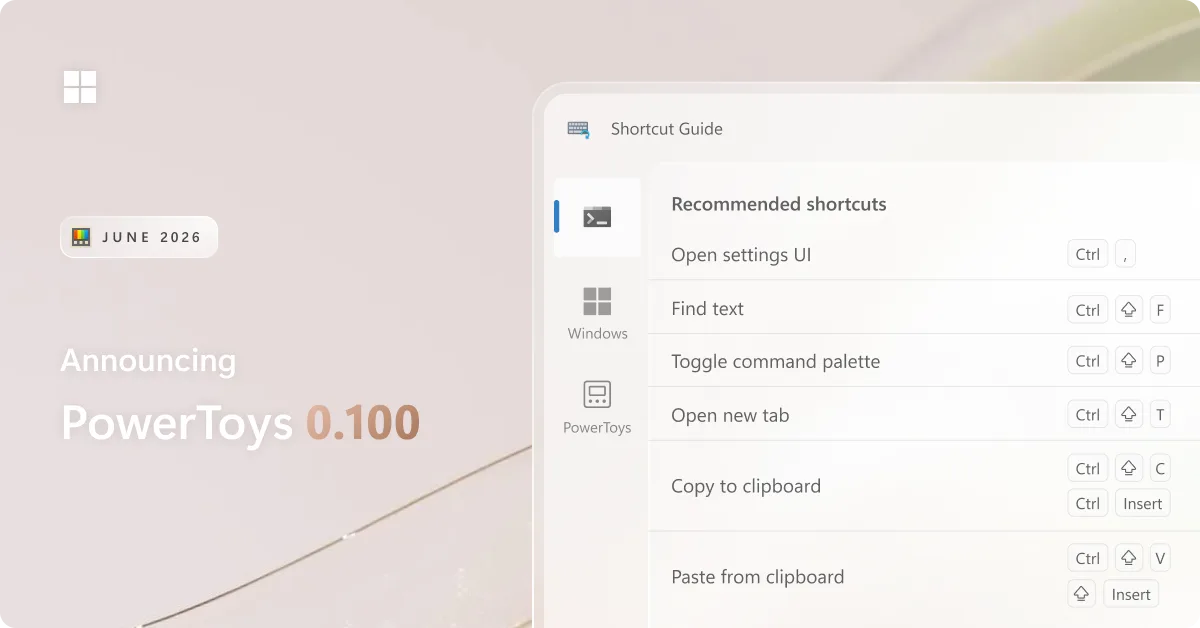
We’re back with a fresh PowerToys release! This month introduces the brand-new Shortcut Guide, a major Command Palette update with the new Extension Gallery and multi-monitor Dock support, and a wave of improvements to Power Display. We’ve also upgraded PowerToys to .NET 10, improved auto-update reliability, reduced installer size, and continued modernizing the app experience The post PowerToys 0.100 is here: new Shortcut Guide, Command Palette improvements and much more! appeared first on Windows Command Line.
- Announcing Intelligent Terminal 0.1
 by Hamza Usmani on June 2, 2026 at 5:00 pm
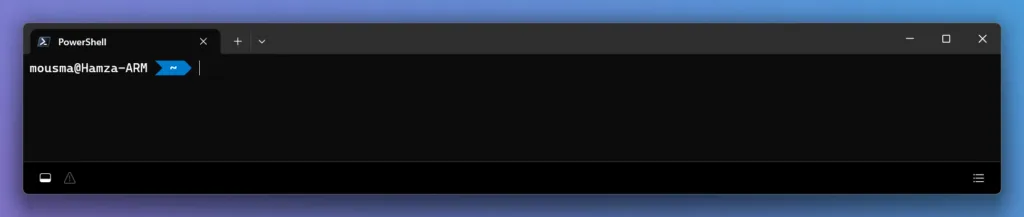
Today we’re announcing Intelligent Terminal version 0.1, an open-source experimental fork of Windows Terminal with native agent integration. Get started Install from the Microsoft Store: Intelligent Terminal on the Microsoft Store Install via WinGet: winget install Microsoft.IntelligentTerminal Visit our GitHub repository for documentation and to file issues. Here’s a look at what’s in this experimental The post Announcing Intelligent Terminal 0.1 appeared first on Windows Command Line.
- The new Run dialog: faster, cleaner, and more capable
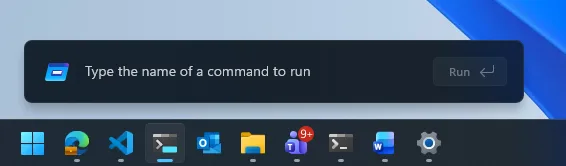 by Clint Rutkas on May 1, 2026 at 5:00 pm
We’ve shipped the new Run dialog – and we want to say thanks. As the team behind Windows Terminal and PowerToys, we’re excited to bring this to Windows 11, and your feedback helped shape it! Run has been rebuilt from the ground up: Modern design: A refreshed look that matches Fluent Design and Windows 11, The post The new Run dialog: faster, cleaner, and more capable appeared first on Windows Command Line.
- PowerToys 0.99 is here: new monitor controls, easier window management, and Dock upgrades
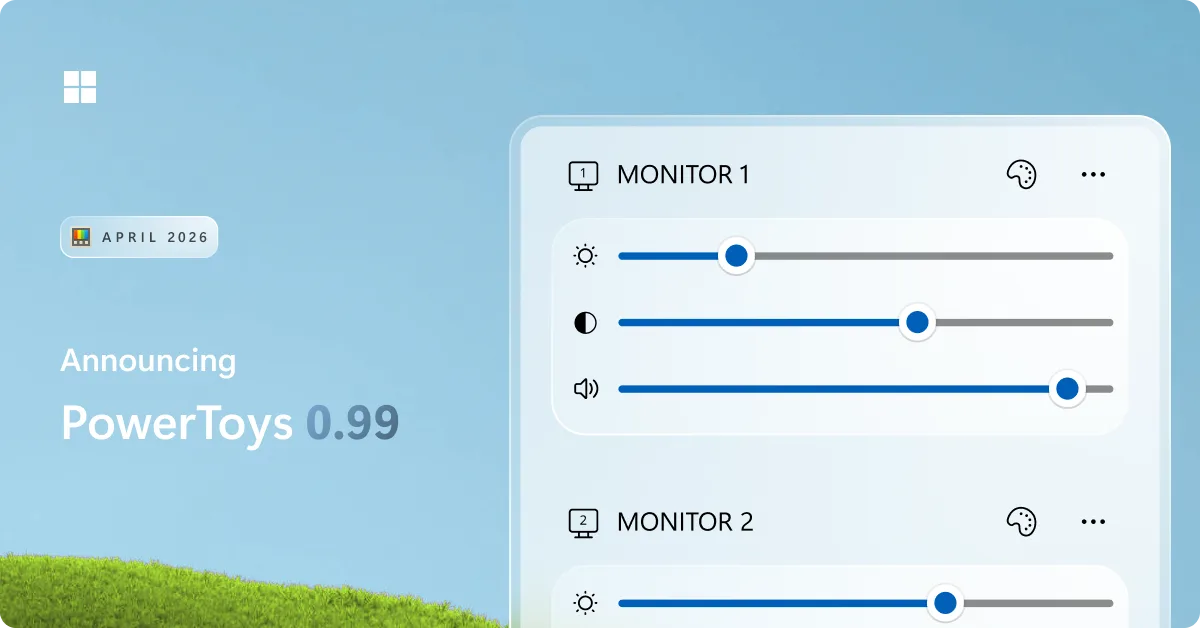 by Niels Laute on April 28, 2026 at 11:32 am
We’re back with a fresh PowerToys release! This month introduces Power Display for controlling your monitors from the system tray, Grab And Move for quickly moving and resizing windows, and a wave of improvements to Command Palette and the Dock, along with updates across the utility suite. You can grab the update by checking for The post PowerToys 0.99 is here: new monitor controls, easier window management, and Dock upgrades appeared first on Windows Command Line.